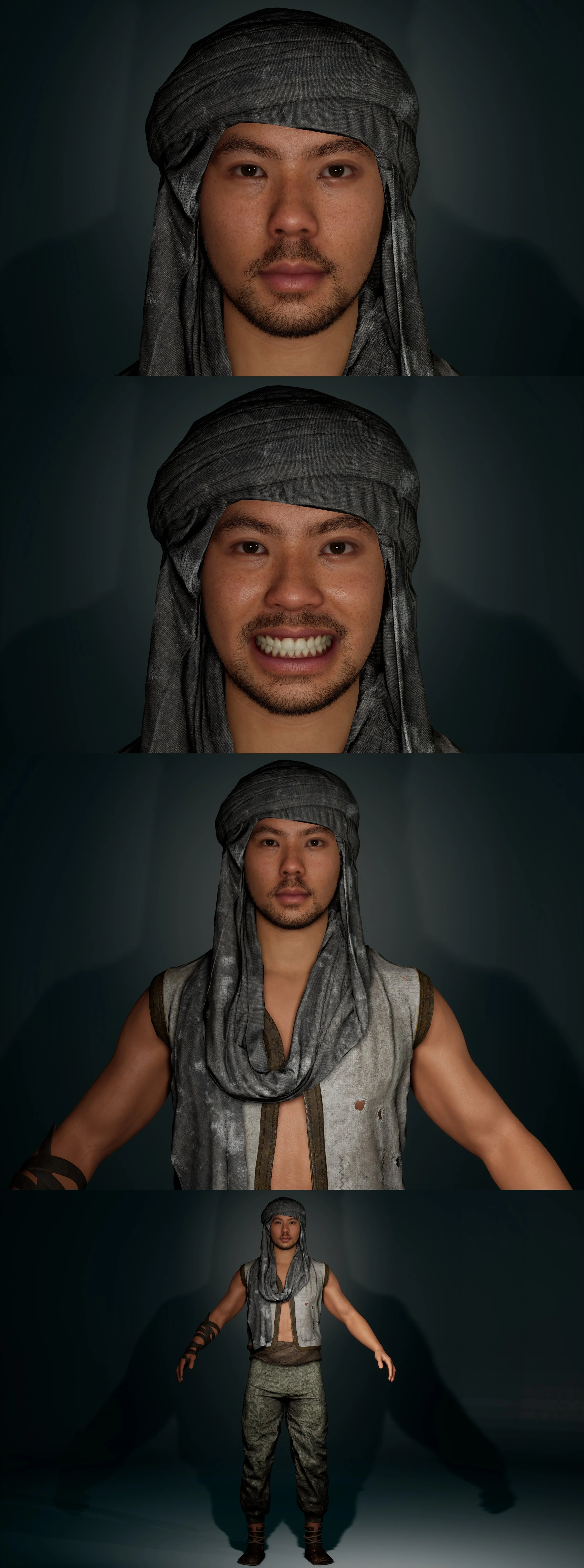
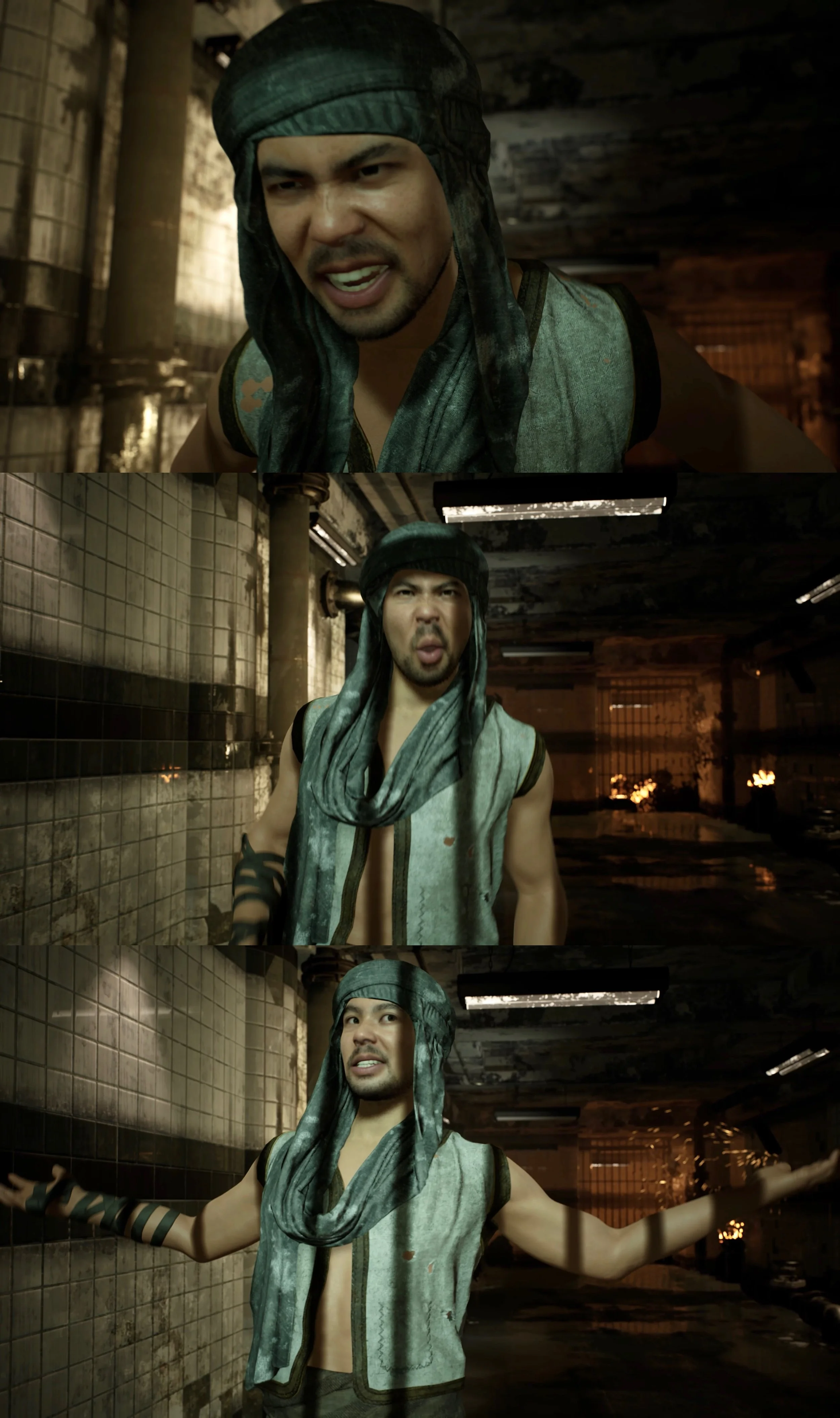
Technical Workflow:
Using Captury(Markless Mocap) related to
【Metahuman Animation + Body/Facial Motion Capture+FACS Rig】:
🎬Technical Animation Workflow| Part 1: MetaHuman creation & Body/Facial Motion Capture & FACS Rig_by Using Captury(Markless Mocap) :
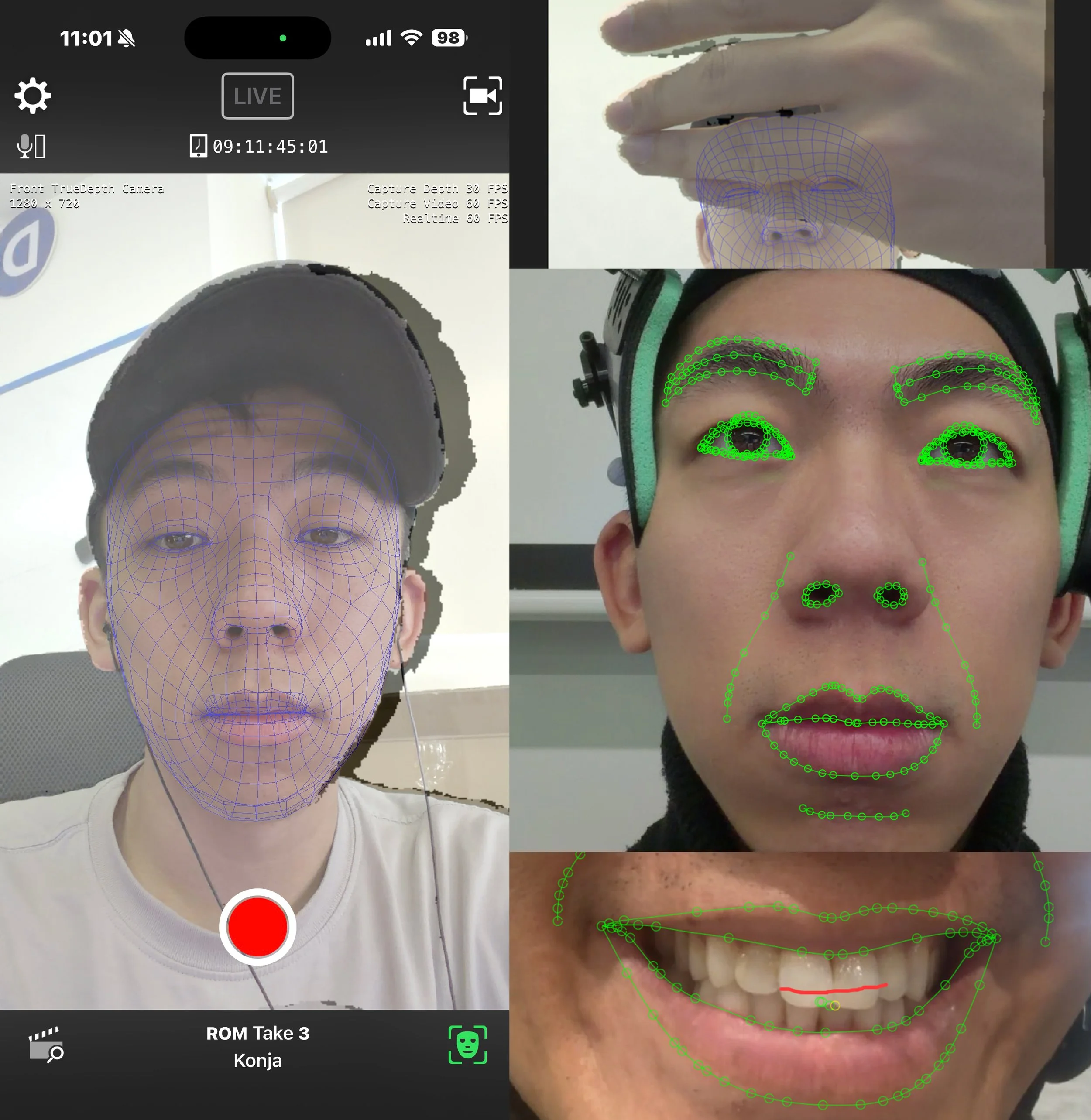
🔸①【 Personalized MetaHuman (Facial ROM Footage)】:
●Record facial Range of Motion (ROM) footage using Live Link Face.(leveraging the captured video‘s depth data)
●Import the recorded footage into Live Link Hub(UE).
●Create Metahuman ROM Identity, Identity Solve, Solve facial expressions and teeth.
●Create MetaHuman Rig and MetaHuman Performance asset.
●Use the ROM ID and Head Conform option in MetaHuman Creator (MHC) to generate a full-body MetaHuman character and adjust its body features.
●Add physics cloth assets to the character/or Add assets through its Blueprint.
●Fix Cloth Penatration issues through the Sculpt → Skeletal Mesh → Cloth → Outfit → Wardrobe workflow.
🔸②【Facial Motion Capture】:
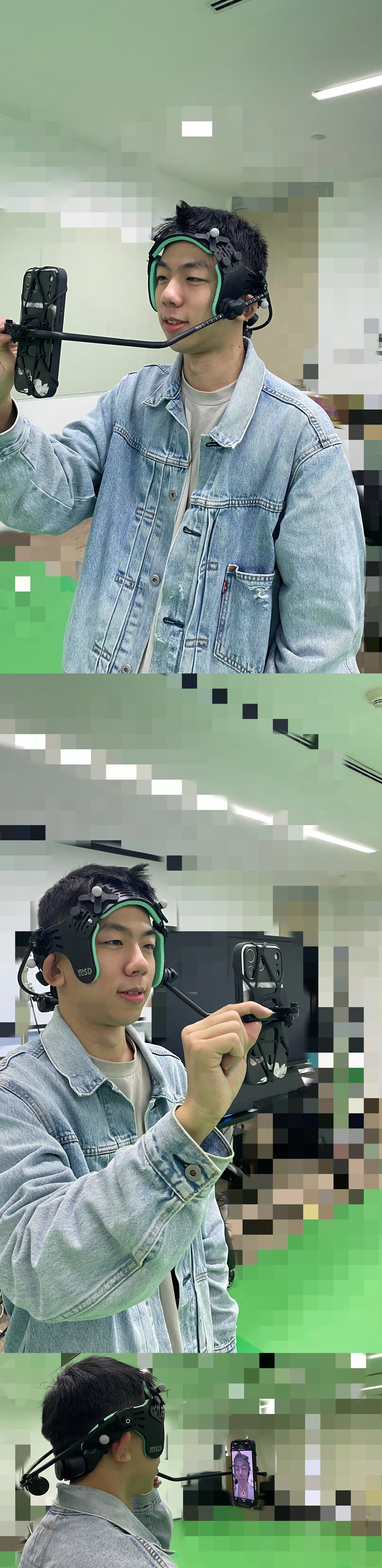
●Capture Facial Animation footage using Live Link Face/Captive/FaceGood(headset).
●Import facial capture footage into Unreal Engine.
●Create a MetaHuman Performance asset and process the footage using the previously generated ROM Identity.
●Export the resulting facial animation as FBX data.
🔸③【Body Motion Capture】:
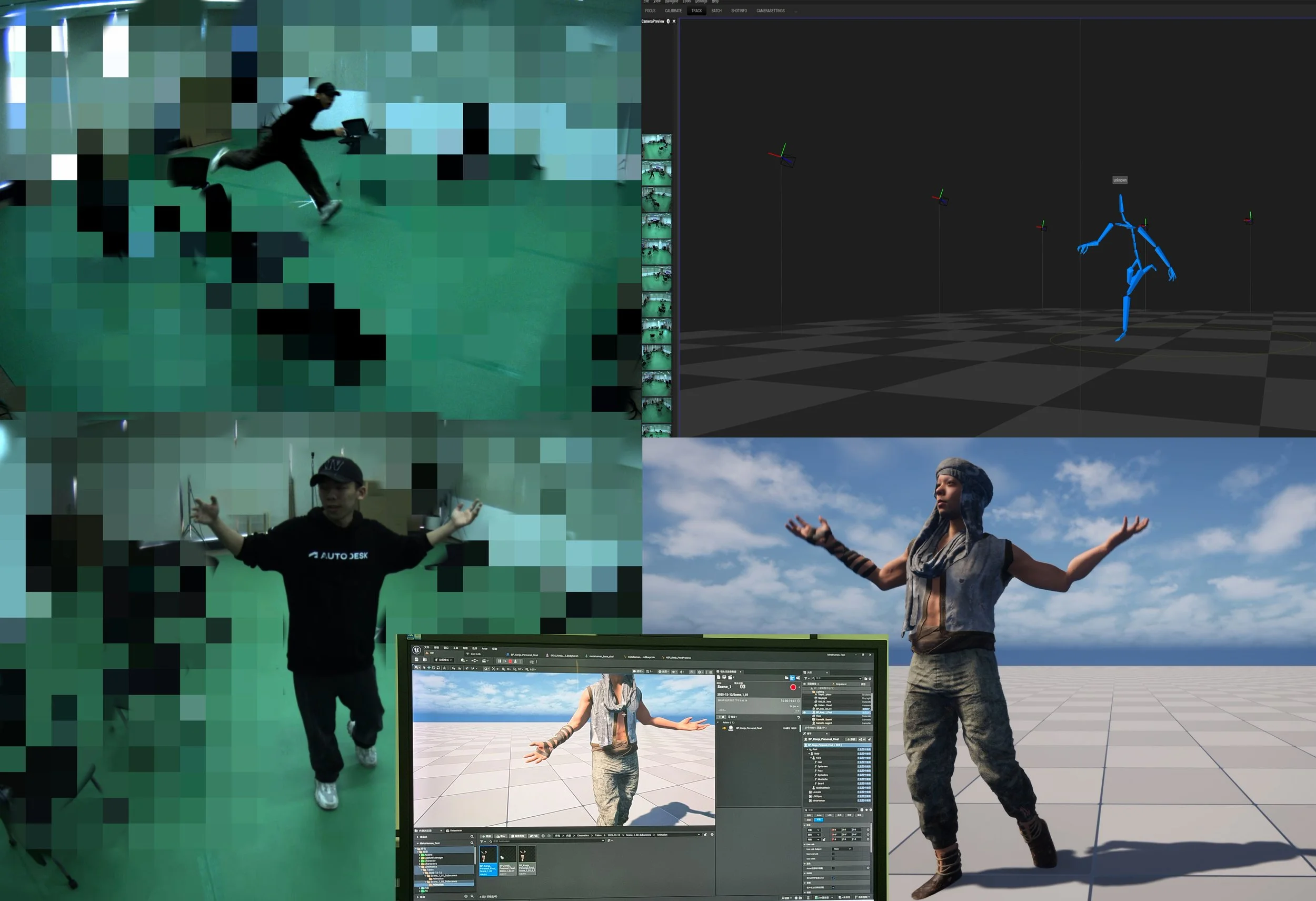
●UE real-time synchronization Captury.(Markless Capture) The Captury
●Use the built-in retargeting capability of Captury Live to create Character's LiveLink BP in UE.
●Connect LiveLink BP to the body component of the personalized MetaHuman Blueprint.
●Drive the MetaHumans body in real time using the streamed motion capture data.
●Animation Recording workflows:
A: Record real-time performances using Unreal Engines Take Recorder and export the recorded Animation Sequences.
B: Export offline motion capture data recorded directly from Captury.
Or
●Export the MetaHuman skeleton into MotionBuilder (MoBu) for retargeting.
Process the body motion capture data recorded on-site through Captury.
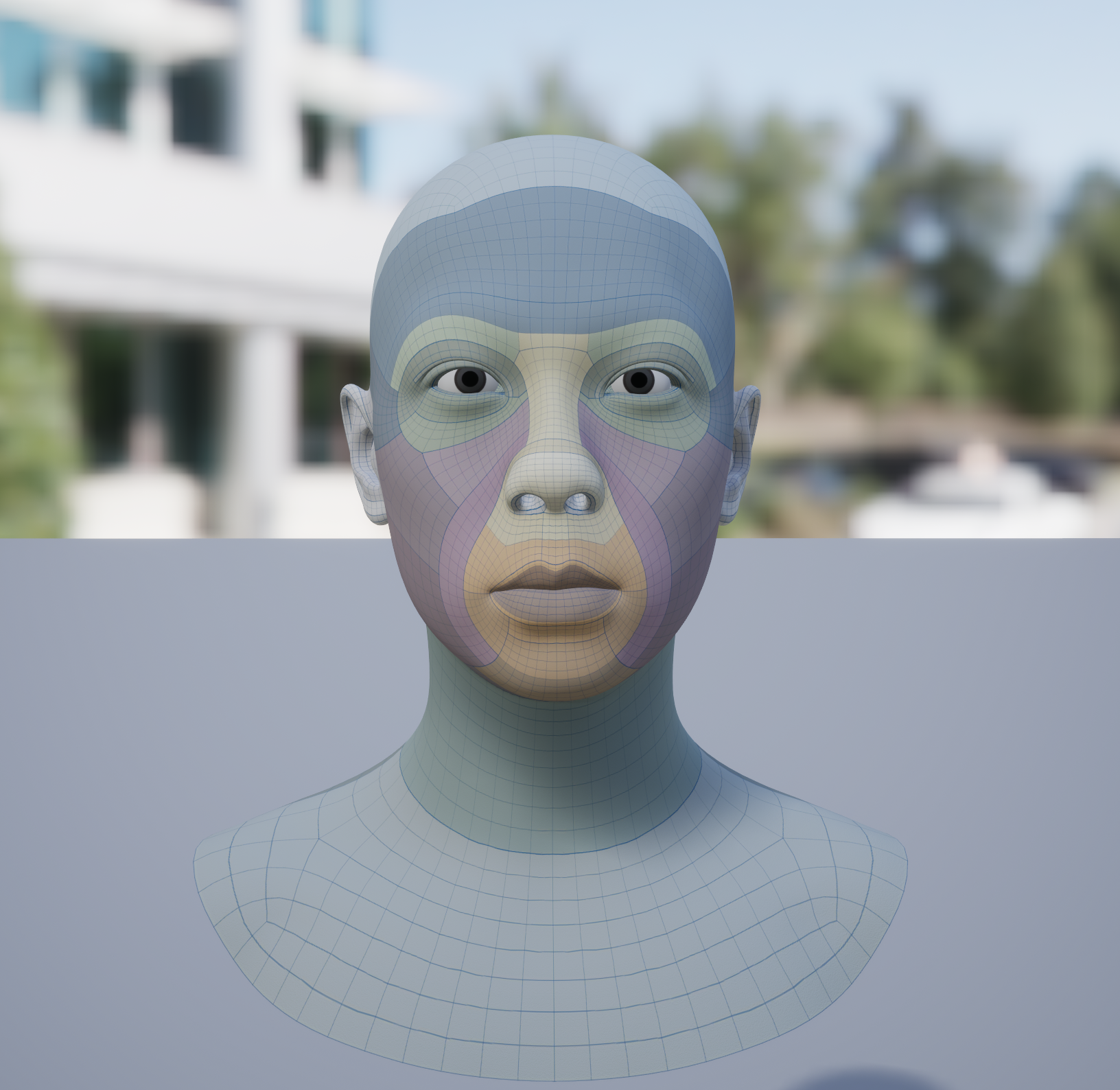
🎬Technical Animation Workflow| Part 2: Import Data & MetaHuman Rig /FACS Rig Maya Animation Cleanup & Unreal Engine Import:
🔸④【Importing MetaHuman Rig(Body+Facial) into Maya】:
Body Animation Workflow:
●Import the MetaHuman rig directly into Maya using MetaHuman Creator and the Unreal Engine plugin for Maya.
●Set up body controls using AdvancedSkeleton, Custom-built controllers, or Python scripts to transfer Control Rig setups from UE. Use AdvancedSkeleton retargeting tools to retarget body motion capture data onto the body ADV controllers...
●Alternatively, if the MetaHuman skeleton is used directly in the Captury workflow, body animation cleanup can also be performed in MotionBuilder.
Facial Animation Workflow:
●Import facial animation FBX data into Maya on FACS-based facial controllers through LIGHTSPEED STUDIOS' LightBox pipeline (DCC software environment and dependency package management system) and LSA tools.
🔸⑤【Motion Capture Animation Cleanup】:
●Create additional Animation Layers to cleanup animation, then merge the layers.
●Start by reviewing the original performance footage to identify and reconstruct the actor's intended expressions and movements before refining the animation.
●Understanding how different facial rig controllers correspond to specific muscle movements and expressions.
●Body and facial animations can also be combined and previewed directly in Maya to evaluate the character's overall performance.
🔸⑥【Exporting Refined Animations Back to Unreal Engine Sequencer】:
Body Animation Export:
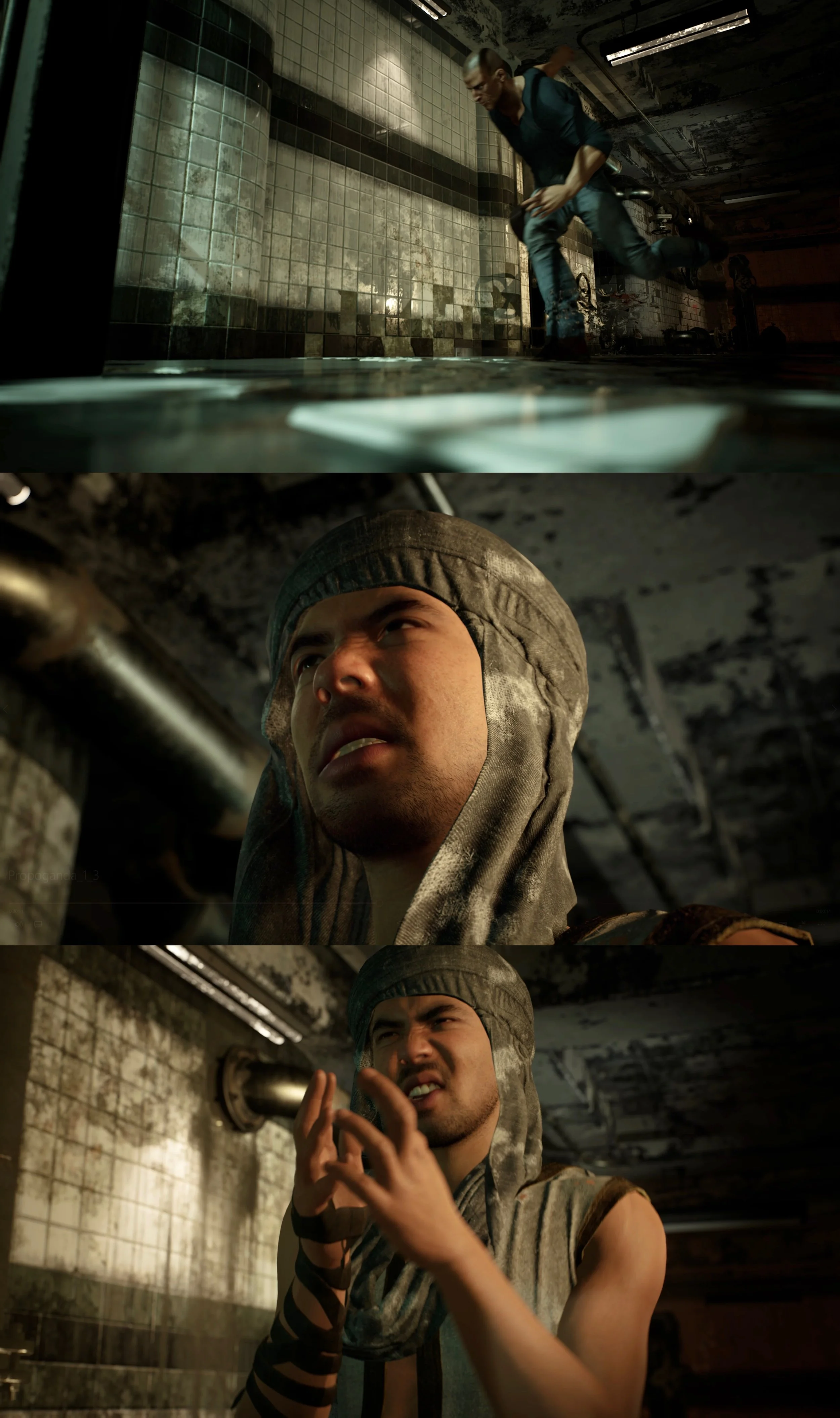
●Export the cleaned skeletal body animation from Maya as FBX. Assign it to the MetaHuman character's body track in Sequencer.
●Open Metahuman Bp to adjust the animation retargeting settings as needed to ensure proper skeletal alignment.
Facial Animation Export:
●Export the cleaned facial animation from Maya. In Unreal Engine Sequencer, select the MetaHuman character's facial Control Rig track. Use Import Control Rig FBX to transfer the animation.